Front End Development
Durations : 3 month
- About Front End Development
🎨 Front End Development – Design & Build Modern Web Interfaces
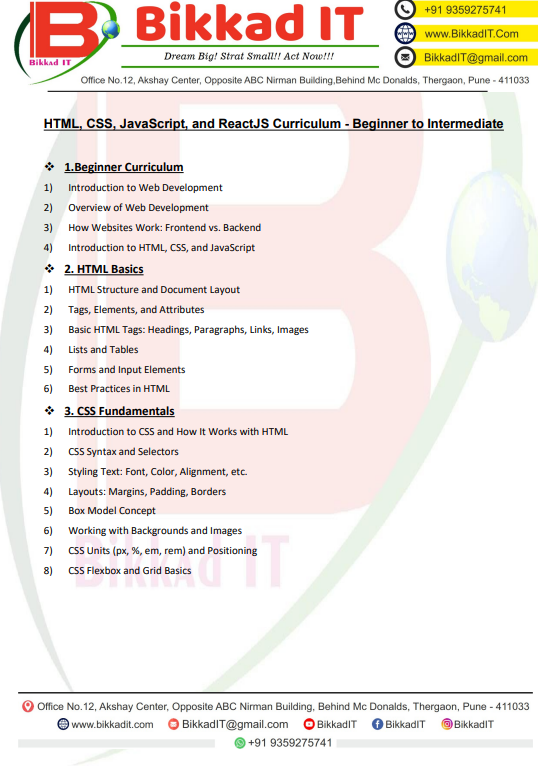
1. Introduction to Web Development
Overview of Web Development
How Websites Work: Frontend vs. Backend
Introduction to HTML, CSS & JavaScript
2. HTML Basics
HTML Structure & Document Layout
Tags, Elements & Attributes
Basic HTML Tags: Headings, Paragraphs, Links, Images
Lists & Tables
Forms & Input Elements
Best Practices in HTML
3. CSS Fundamentals
What is CSS & How It Works with HTML
CSS Syntax & Selectors
Styling Text (Font, Color, Alignment, etc.)
Layouts: Margins, Padding, Borders
Box Model Concept
Backgrounds & Images
CSS Units (px, %, em, rem) & Positioning
Basics of Flexbox & Grid
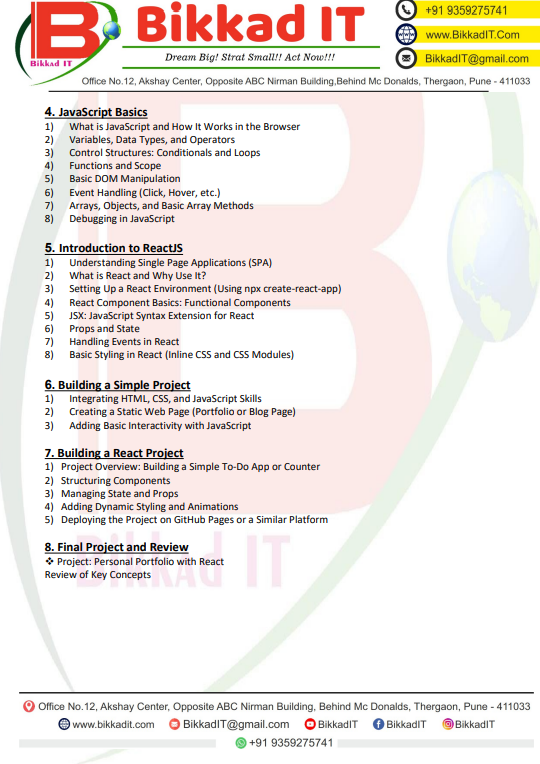
4. JavaScript Basics
What is JavaScript & How It Works in the Browser
Variables, Data Types & Operators
Conditionals & Loops
Functions & Scope
DOM Manipulation Basics
Event Handling (Click, Hover, etc.)
Arrays, Objects & Basic Array Methods
Debugging in JavaScript
5. Introduction to ReactJS
Understanding Single Page Applications (SPA)
What is React & Why Use It?
Setting Up React Environment (
create-react-app)React Component Basics (Functional Components)
JSX: JavaScript Syntax Extension for React
Props & State
Handling Events in React
Styling in React (Inline CSS & CSS Modules)
6. Building a Simple Project
Integrating HTML, CSS & JavaScript Skills
Creating a Static Web Page (Portfolio/Blog Page)
Adding Basic Interactivity with JavaScript
7. Building a React Project
Project: Simple To-Do App or Counter
Structuring Components
Managing State & Props
Adding Dynamic Styling & Animations
Deploying Project on GitHub Pages
8. Final Project & Review
Project: Personal Portfolio Website in React
Review of Beginner Concepts
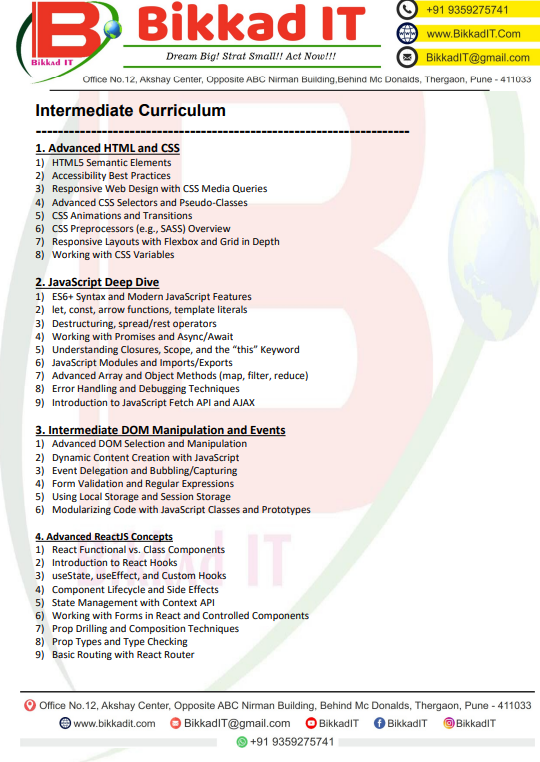
1. Advanced HTML & CSS
HTML5 Semantic Elements
Accessibility Best Practices
Responsive Design with Media Queries
Advanced CSS Selectors & Pseudo-Classes
CSS Animations & Transitions
CSS Preprocessors (SASS) – Overview
Flexbox & Grid in Depth
CSS Variables
2. JavaScript Deep Dive
ES6+ Syntax & Modern Features
let, const, arrow functions, template literals
Destructuring, Spread/Rest Operators
Promises & Async/Await
Closures, Scope & “this” Keyword
JavaScript Modules (Import/Export)
Advanced Array & Object Methods (map, filter, reduce)
Error Handling & Debugging Techniques
Fetch API & AJAX
3. Intermediate DOM & Events
Advanced DOM Selection & Manipulation
Dynamic Content Creation
Event Delegation & Bubbling
Form Validation & Regex
Local Storage & Session Storage
JavaScript Classes & Prototypes
4. Advanced ReactJS Concepts
Functional vs. Class Components
React Hooks (useState, useEffect, Custom Hooks)
Lifecycle & Side Effects
Context API for State Management
Forms in React (Controlled Components)
Prop Drilling & Composition
Prop Types & Type Checking
React Router (Basic Routing)
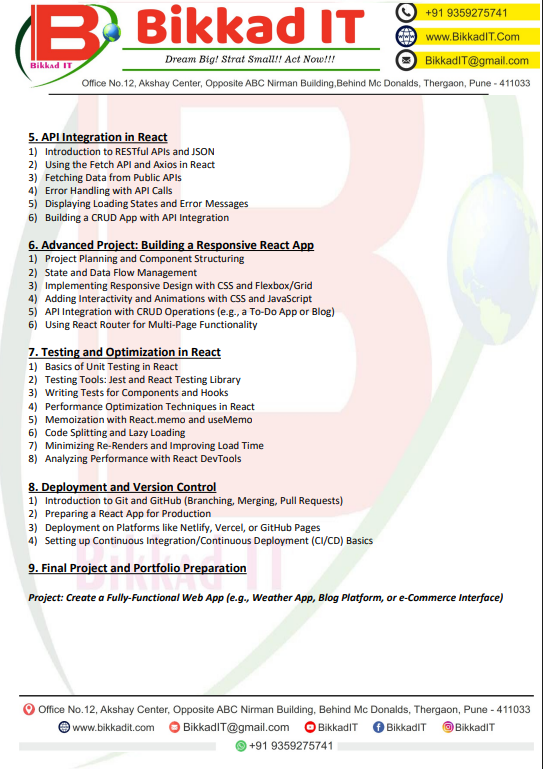
5. API Integration in React
RESTful APIs & JSON Basics
Fetch & Axios in React
Fetching Data from Public APIs
Error Handling & Loading States
CRUD App with API Integration
6. Advanced Project
Building a Responsive React App
State & Data Flow Management
Responsive Layouts (Flexbox & Grid)
Interactivity & Animations
CRUD Operations with API
Multi-Page Functionality (React Router)
7. Testing & Optimization
Unit Testing in React
Tools: Jest & React Testing Library
Testing Components & Hooks
Performance Optimization (React.memo, useMemo)
Code Splitting & Lazy Loading
Minimizing Re-Renders
Performance Monitoring with React DevTools
8. Deployment & Version Control
Git & GitHub Basics (Branching, Merging, Pull Requests)
Preparing React App for Production
Deployment (Netlify, Vercel, GitHub Pages)
CI/CD Basics
9. Final Project & Portfolio
Project: Fully Functional Web App (Weather App, Blog Platform, or E-Commerce Interface)
Portfolio Preparation for Job Readiness
Highlights
🌐 HTML, CSS, JavaScript Basics to Advanced
⚛️ React / Angular Frameworks
🎨 Responsive & Modern UI/UX Design
🖥️ Hands-on Projects & Live Assignments
🚀 Git, GitHub & Deployment Skills
💼 Placement Support & Career Guidance
Course Content Images